


Most of a trader’s day starts with searching. You open a report, filter a list, and check a contract to find out what needs your attention. The Trader workbench in Qbil-Trade turns this around: the work comes to you.
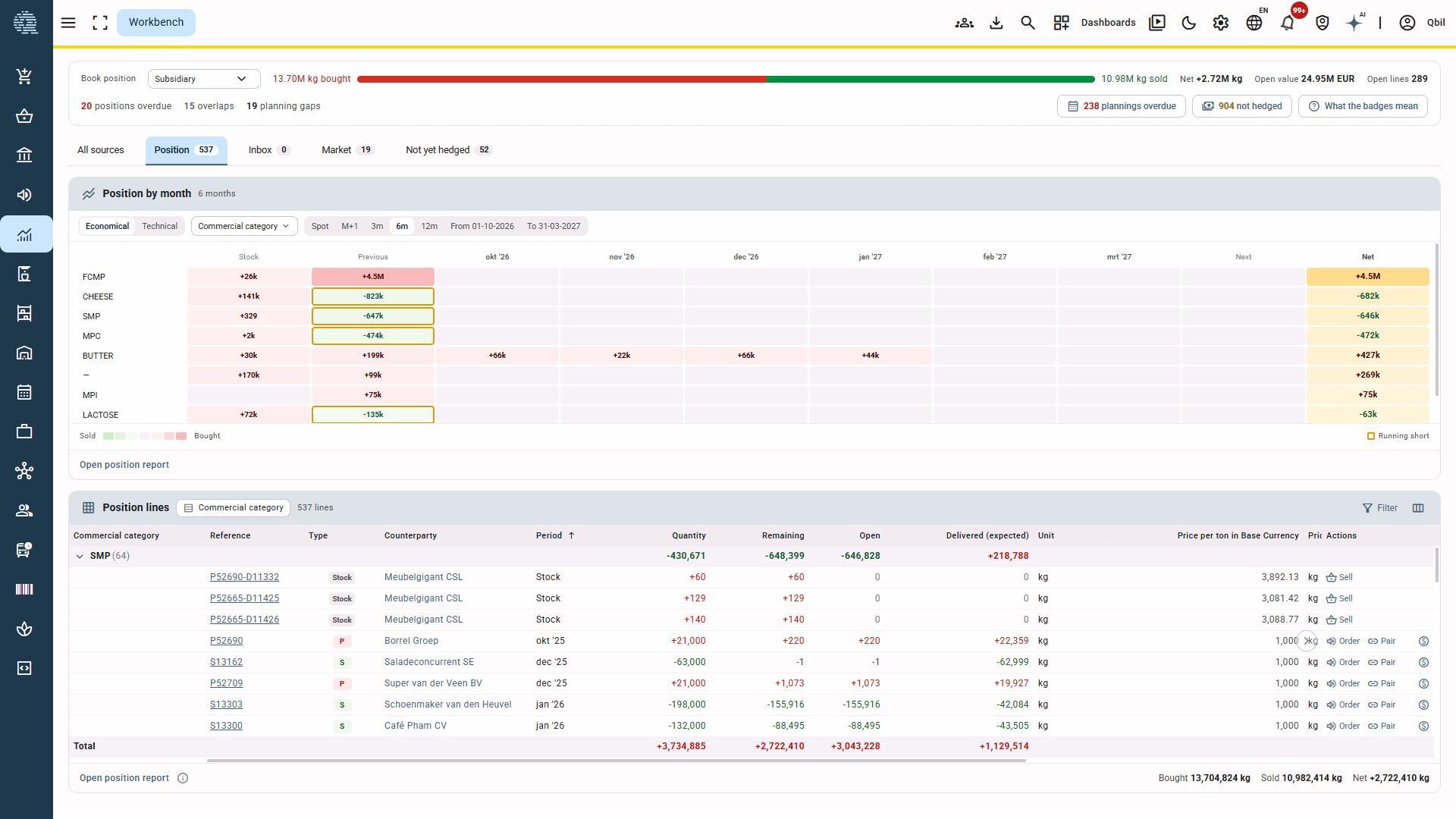
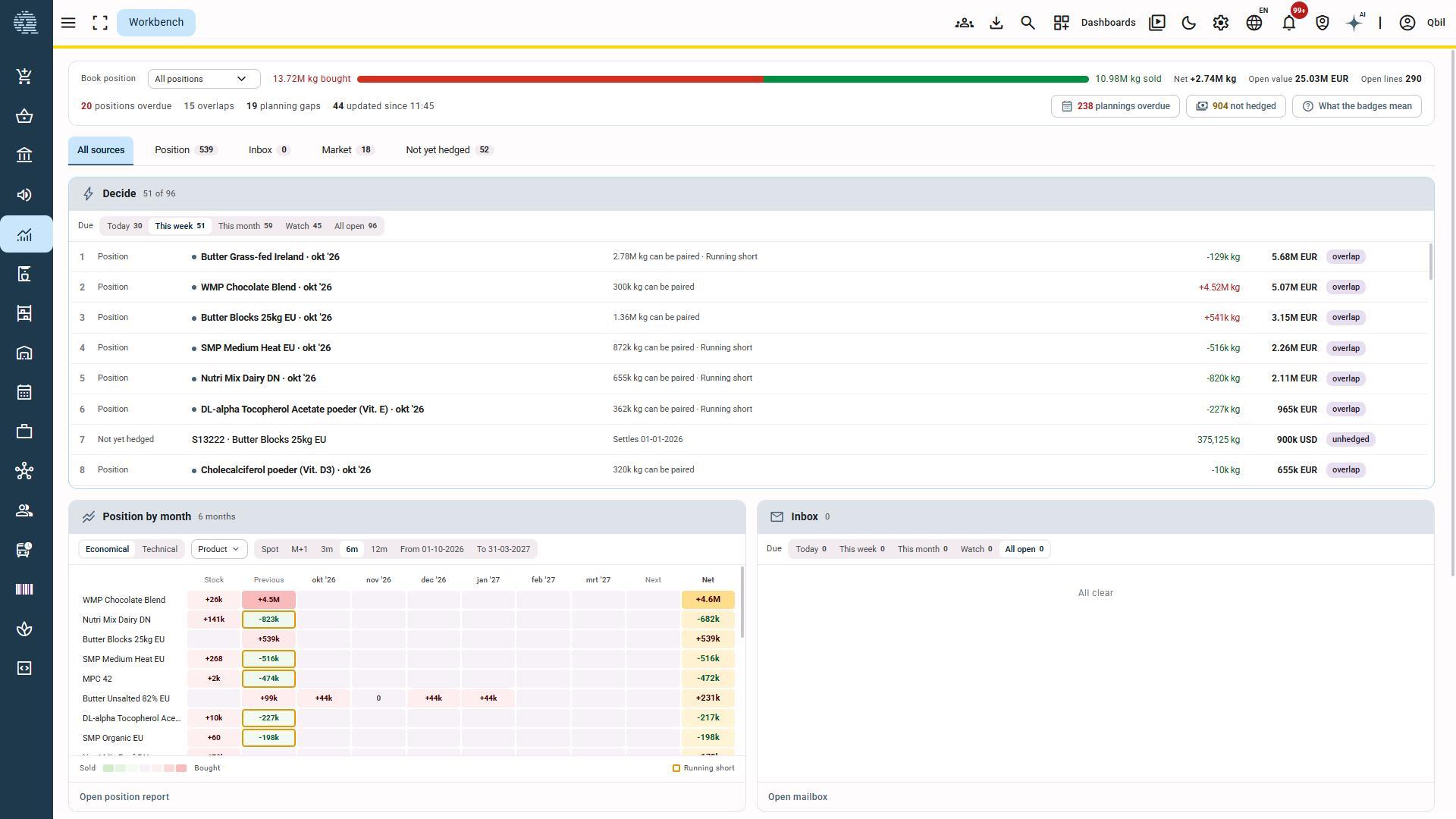
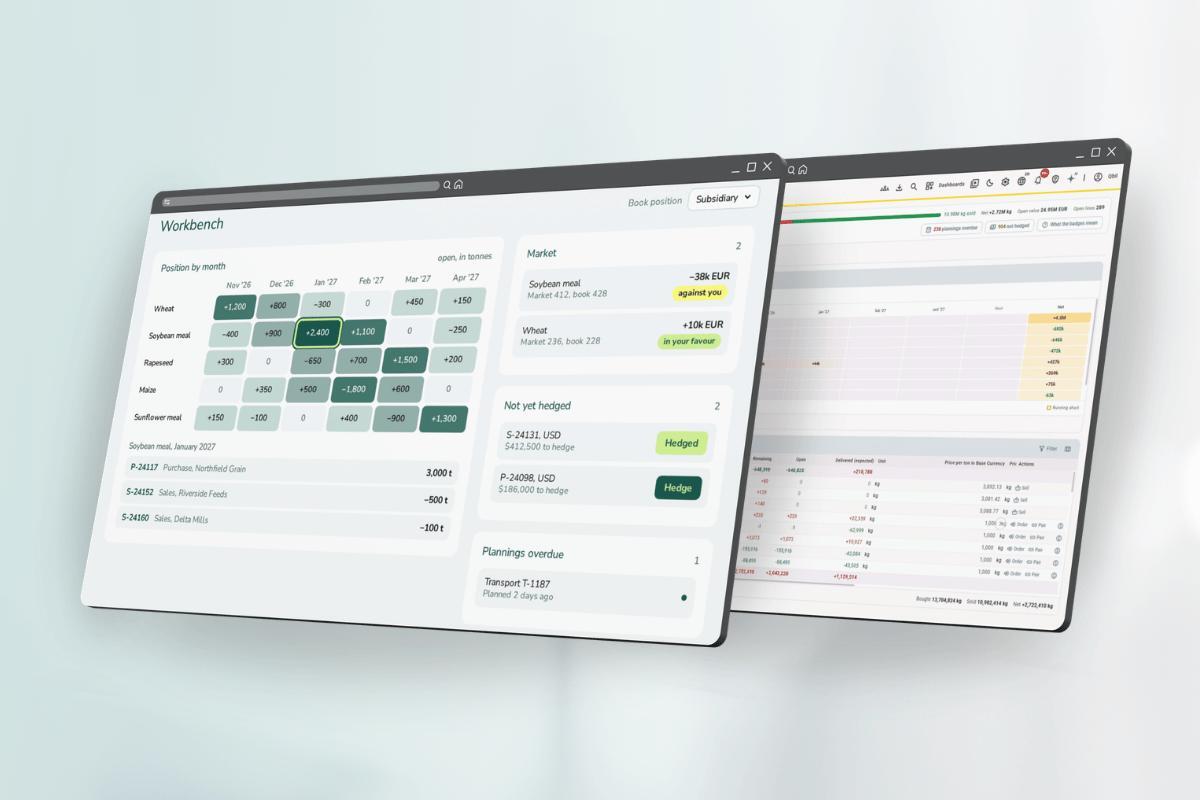
The Trader workbench is one screen for a trader’s position and to-dos. Positions running short, currency lines not yet hedged, overdue plannings, open work items: the workbench shows what needs action today, this week, or this month. Traders act on it from the same screen, without switching between reports, contracts, and planning.
Market prices next to your book
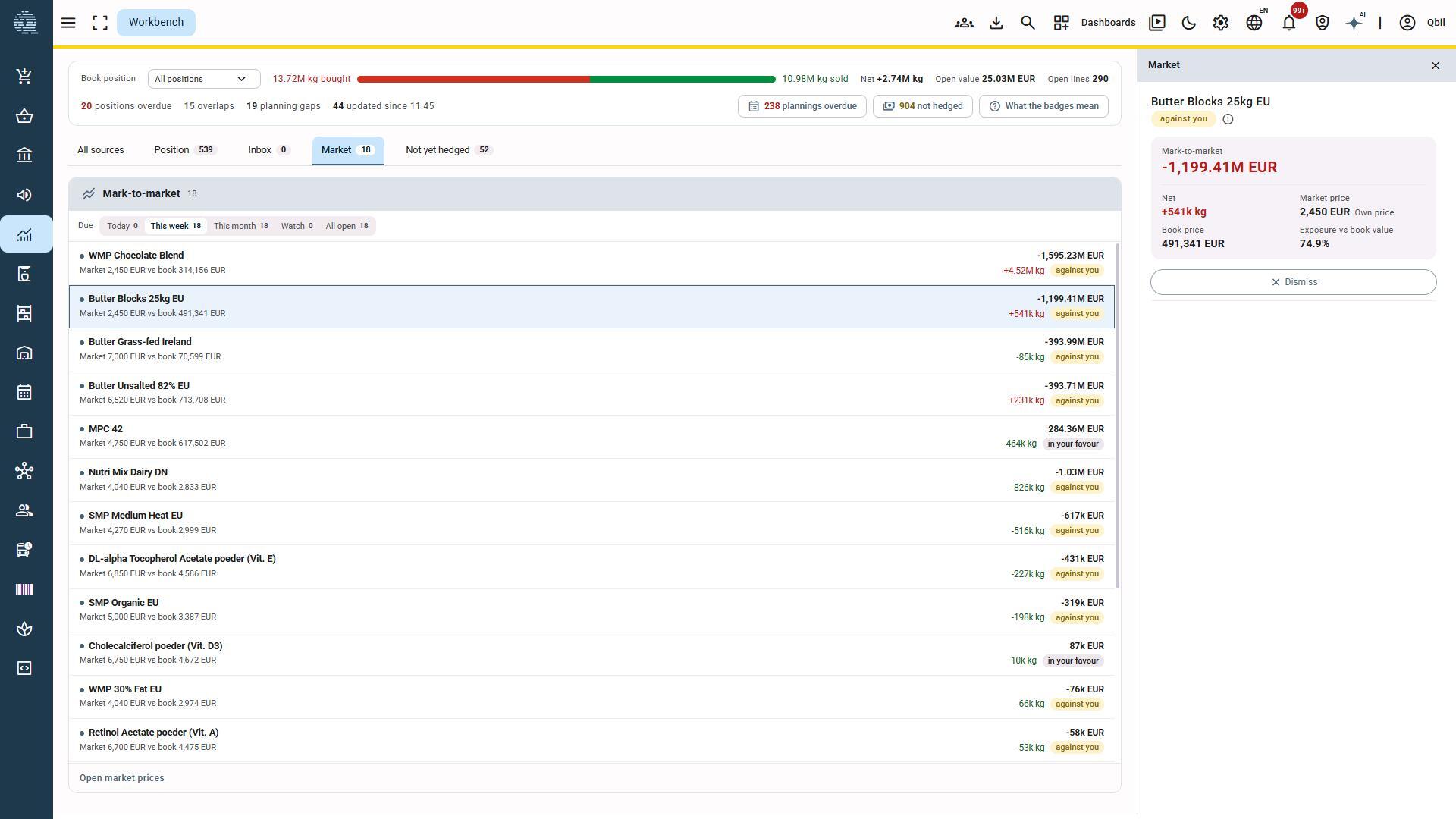
For customers who use Mark-to-Market, the workbench compares market prices with book prices. Traders see directly where the market moves in their favour and where it moves against them. Not using Mark-to-Market yet? The workbench is a good reason to look at what it can add. Your account manager can tell you what it takes to set it up.
The first of several
The Trader workbench is the first workbench in Qbil-Trade. Several more are in development.
Verfügbarkeit
The Trader workbench is part of the latest Qbil-Trade release. It is switched on per customer on request. Qbil-Trade users can find more information in the Qbil-Trade knowledge base. Contact your account manager to enable it for your team.
Möchten Sie mehr darüber erfahren?
Some screenshots